
Using the zoom button in the overview, you can change the display size on the screen. You can also freely move and change the size of various windows, such as mixer view, gadget editor, and gadget panel.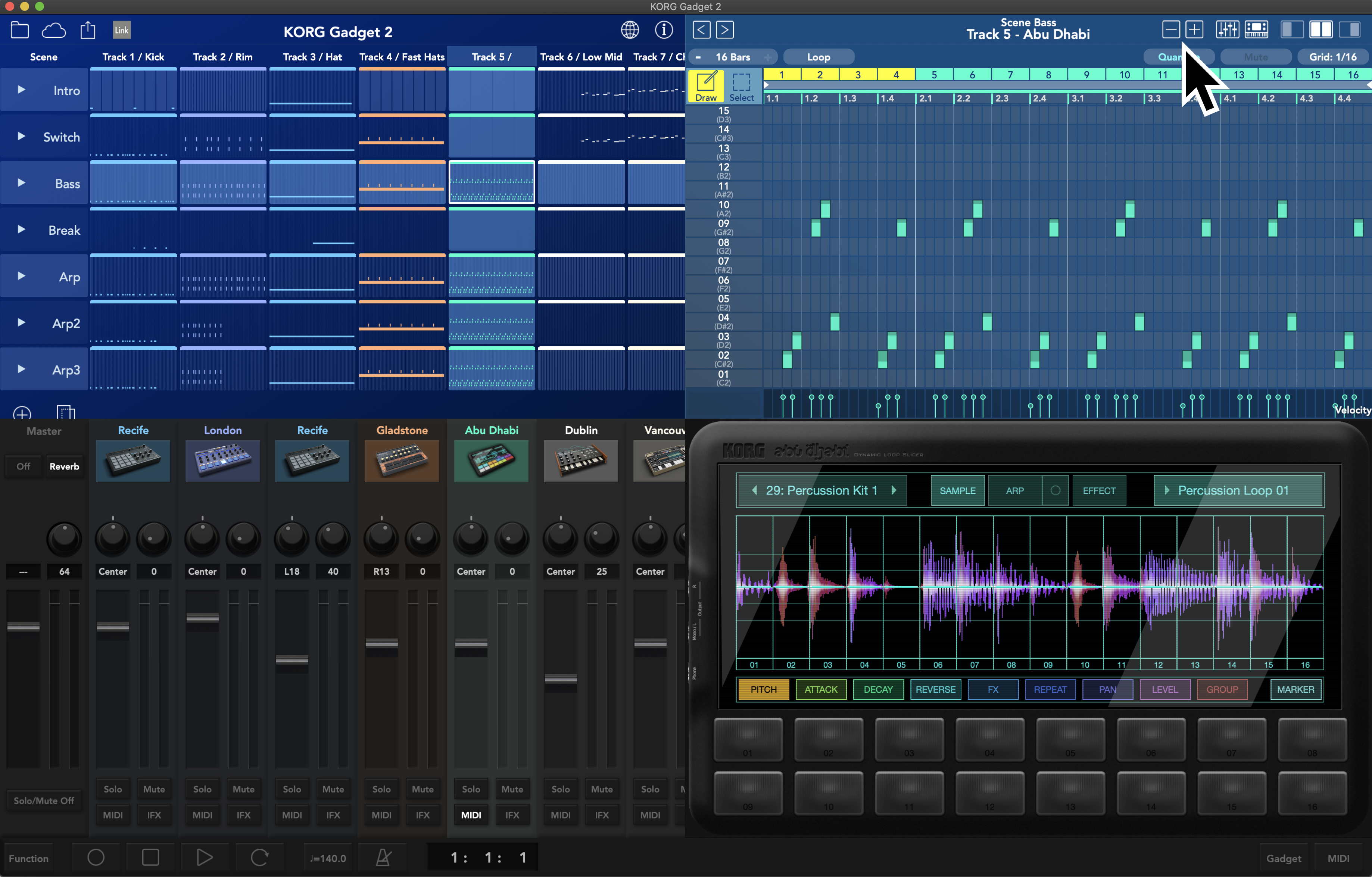
Using the zoom button in the overview, you can change the display size on the screen. You can also freely move and change the size of various windows, such as mixer view, gadget editor, and gadget panel.
Comments
Article is closed for comments.